
Over the past few years, the home office has became a crucial part of any home. For some residents in Southwest Florida, it is more than a simple desk and chair, it is a a center of tech, high value assets, and sensitive data, whether financial, professional or both. When it comes to moving, home office presents a unique challenge, it is more than just moving an office, it is moving a way of living. Home offices can be highly customized and configured, with a great deal of personal touch and consideration to the owner’s preferences. Moving it incudes a droped monitor or lost an important data drive.
Move a home office requires unique consider consideration. organizing, protection and security. At The Moving Mavericks, we appreciate the value of your office. We show the same care and respect to your tech like we do to ours. When it comes to moving office equipment in Southwest Florida, Moving Mavericks is the right partner. Call us at (239) 722-0000 for a state-of-the-art moving experience.
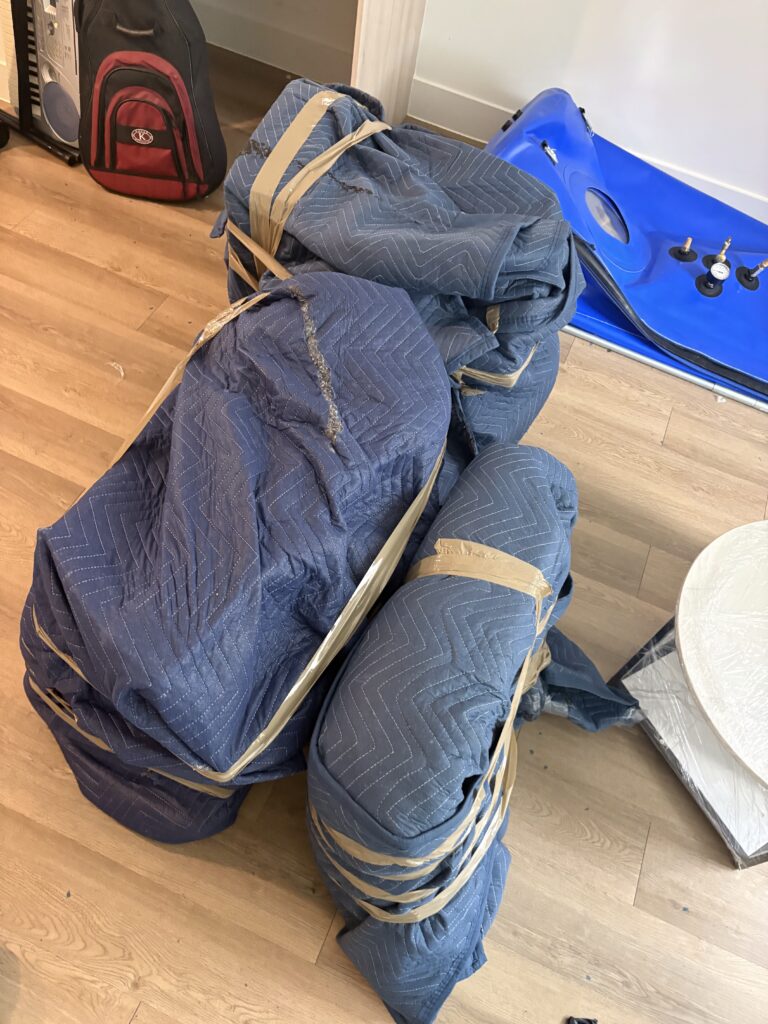
1. Move is Data Sensitive: Always Back Up
Before you unpluf anything, ensure your digital life is in a safe place. The impact of the truck can sometimes affect your data stored in traditional hard drives.
- Taking Backups: Make sure you back up important files using Google Drive or One Drive and distinct external hard drives.
- Always Carry Your Hard Drive: When packing for the move, make sure the external drives are in your personal bag, and not in the moving truck. That way, the drives are sure to remain in a climate controlled surrounding.
- Organizing Cables and Connections The hardest part about moving a computer is figuring out where to plug in the wires at the new location, and where each cable connects.
- The Photo Method: Take a picture showing the back of your computer, monitor, and router. This serves as a visual guide for reassembly,
2- Label Each Cord
Get a piece of tape and write the name of the device on it, and stick that to the cable associated with the device.
Anti-Tangle Packing: Take each cable and wrap it around a velcro tie. Do not use rubber bands to tie the cables, as they could melt or snap in the Southwest Florida heat, and it could be dangerous.
3- Packing Monitors and Screens
All monitors and iMacs are computer screens, are very fragile. Small amounts of the wrong pressure can crack the LCD.Wrap a layer of microfibre cloth or an anti-static foam before wrapping the monitor with bubble wrap in case the plastic bubbles couse potential damage to the screen.
Use a telescoping box to transport a monitor in case the original packaging isn’t available to you.
Transport it standing up, the same way you would transport mirrors and plates.
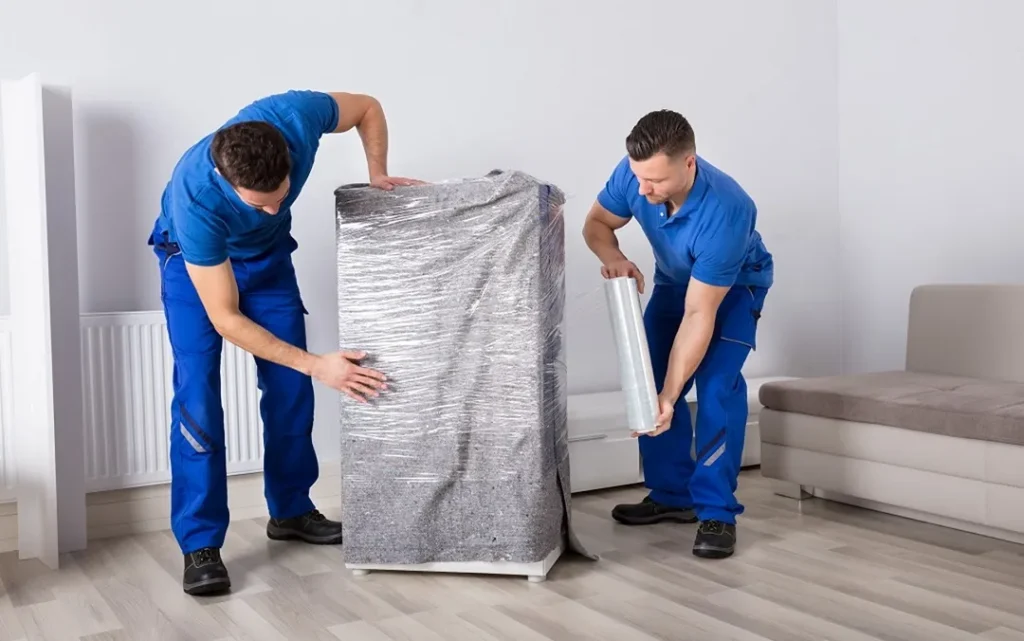
4. Document Storage
Put aside the general moving box and the sensitive documents like tax records, contracts, and birth certificates.
In the case of a sturdy and not-so-heavy file cabinet, you can leave locked and move it like that. If it’s a large lateral file cabinet, then it’s better to empty it.
A locked box is not a bad idea to store the documents. Keep it with you in the car, that way you can quick access to it when needed and it won’t be stolen in a case of robbery.
5. Moving Office Furniture
“Ready-to-assemble” parts, like from IKEA, and other modern office furniture can be surprisingly fragile, so handle with care.
- Disassembly: If your L-shaped desk is big, it’s usually safer to disassemble it. Use a Ziploc bag to keep screws and small parts, and tape it to the underside of the desk.
- Chair Protection: Office chairs with wheels can roll and create damage in a truck. The upholstery is protected, and the wheels are secured with shrink wrap and moving blankets.
6. Why Climate Control Matters for Tech
In Southwest Florida, the peak heat and humidity are extreme. Sensitive electronics are worse. If a computer goes from a hot truck to a cool, air-conditioned house, condensation can build up inside. At The Moving Mavericks, we aim to optimize the speed of the loading and unloading of your office equipment to tasks to reduce the exposure your equipment has to the elements. For any queries regarding our treatment of high-end technology, please give us a call at (239) 722-0000.
As we move all your equipment and furniture, you may want to prepare your home office in your new space:
- Pick Your Spot: Trust us on this. Put your desk away from the sun to avoid frying your electronics and burning sensitive documents.
- Cables: Use cable clips, or tubing to keep wires organized, avoid tangles, and devices from getting disconnected.
- Network Devices: Ensure your router and modem are in a slightly higher position so you have even coverage from the internet all over your home. When you start working, take a moment to check that all devices are connected properly. Keep your computers and servers in places where fresh air can circulate to avoid overheating, especially in Southwest Florida’s heat and humidity.
- Cleaning Off Equipment: Even after transporting your set up, use an appropriate cloth for your screens, keyboards, and mice to clear any dust and debris that may be present from the move
- Securing Documents: Even after organizing your documents, use a fireproof document box, and a waterproof box to secure your most important documents for extra protection.
- Testing your Backup Plans: After everything is connected, make sure the backups of your business are secure so you can resume your work without any disruptions
Steps like these to organizing your home office ensure that you can get back to work after the move seamlessly.
FAQ
Q1: Do I need to take out the ink cartridges from the printer?
A: Yes. They can get damaged during the move. Seal the ink cartridges in a plastic bag to avoid any issues.
Q2: Is it okay to move the computer in the box that it came with?
A: Yes. The original box is the best way to pack any of your electronics.
Q3: What is the best way to pack a standing desk?
A: If possible, set the standing desk to its lowest position, and lock the mechanism. Most standing desks are very heavy and should have two people move it.
Q4: Can you relocate server racks?
A: Yes, we can relocate server racks and have moved small and medium business setups before. Please let us know the size and weight when you call (239) 722-0000 for your quote. After Moving: Setting Up Your Home Office for Maximum Efficiency
Once all your office equipment and furniture are installed in your new location, it is time to set up a workspace that is functional and efficient. The actual relocation is just the first step. Your office’s layout and how you protect your office will determine how quickly your productivity can be resumed after the relocation.
- Create Zones: Divide your move a home office into a few separate zones: a computer zone, a document storage zone, and a small reading or planning zone. This will keep your workflow organized and smooth.
- Label Storage Clearly: Even after you finished unpacking, keep boxes, filing cabinets, and drawers labeled so you can find a set of supplies in a hurry.
- Check Your Devices: Ensure that your computers, printers, and other devices are spaced enough to not get overcrowded. Avoid overheating by not stacking devices on each other.
- Test Your Network: Before starting work, ensure that your router, Wi-Fi, and any devices connected to them are working. This can eliminate unnecessary frustration on your first busy day in the new office.
- Security: Use surge protectors and UPS systems for electronics. Keep sensitive information locked and secured in drawers or fireproof file boxes.
- Comfort: When adjusting your chair and monitor, make sure to keep lighting in mind to avoid strain. Making even small adjustments can help ease your way through long workdays.
These additional steps make sure that your move a home office allows for safe and productive work from day one. In the long run, these little things can save you from big hindrances in the future.
Your move a home office is the most important part of your professional life. Making sure your data is backed up, cables are organized, and packing materials are of good quality means your business can keep running as normal. The Moving Mavericks are the best people to trust when it comes to handling your tech.
Want to be able to work from your home office? For a home office moving quote, call Moving Mavericks at (239) 722-0000.